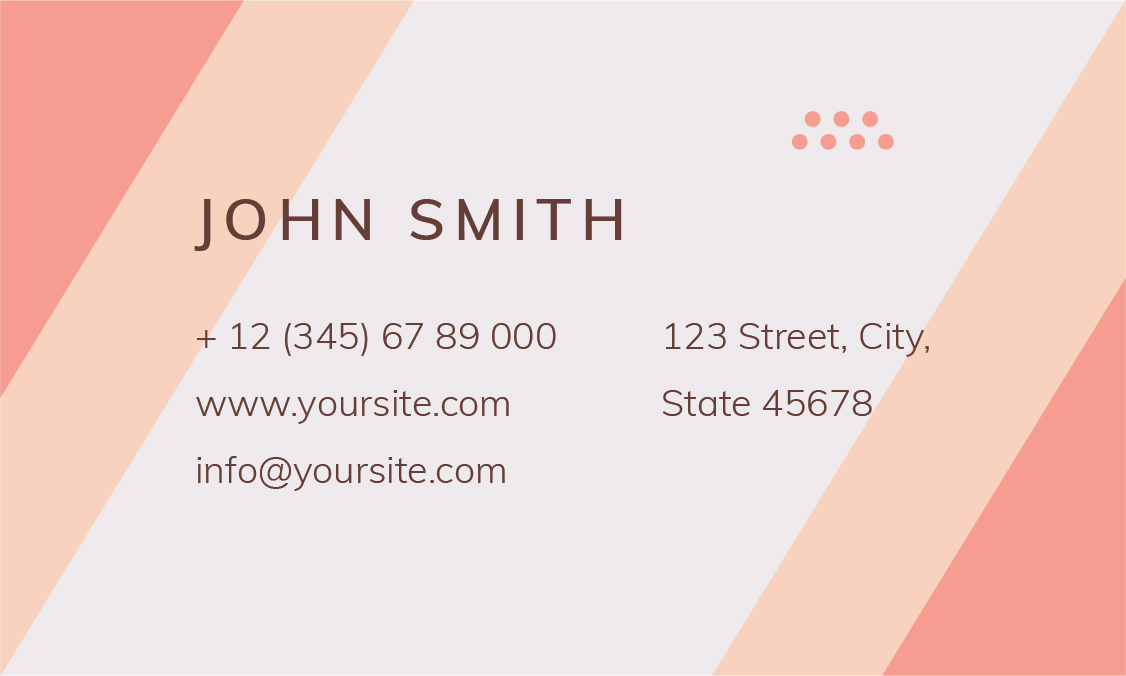
A business card is not just a tool for providing prospects with your details, but an opportunity to interact on a personal level with the new contact.
For that reason, some of the digital networking tools at our disposal will never replace a quality business card because digital tools lack the human aspect of the equation.
A quality business card is an extension of your brand that conveys the complete details in a memorable and meaningful way about who you are and what you do.
7 Secrets Techniques For Your Business Card
Logo and Tagline
Anyone holding your business card between their fingers should be able to identify your brand and instantly recognize wherever they may see it in the future as well, be that on your website, your portfolio, your newsletter, or even you brick-and-mortar shop or studio.
Name and Functional Job Title
What about your job title? As a freelancer, entrepreneur, or small business owner you probably wear many hats in your business. Which one do you note on your business cards? Use the one that describes your main function in the business—where function means the work prospects may hire you to do.
I can’t tell you how many business cards I receive at conferences and networking events that don’t say what the person giving me the card actually does. Instead, next to the name it says CEO, Founder, or President. You may think that sounds fancy, but it’s simply unhelpful. By the time I go home, I’m not sure what the person’s job was or why I should call. Looking at a card from John, the Founder of Video Masters, for example, doesn’t tell me much. “Was John a videographer? A video editor? A script writer? Oh, I forgot.” Trash!
If you want to keep your position credentials on your business card, do so after your functional title. For example:
Contact Information
Your Website, But Not Your Homepage
Create a page with a welcoming message or record a short, fun introductory video where people get to know you better and understand how you can help them. Put a special offer on there for them, or have a little bonus they can download as a thank you for connecting with you. In short, send prospects to a page that deepens the connection you’ve created with them in person while giving out your card.
One last pro tip: Make the URL to your website something very short and easy to type. No one will go home and type out a 3-line web address. Keep it simple and intriguing and you’ve got a higher chance of luring people in. Personally, I’d be much more intrigued to check out a link to “domainname.com/magic” rather than a bland link to “domainname.com/landing-page.”
Social Media Profiles
That doesn’t mean, however, you should list all eight or however many social media accounts you have on your business card. First of all, because of the simple design rule in Tip 6 to follow. Second of all, you want to give prospects the opportunity to connect with you, not overwhelm them with your presence. Be strategic about your social media listings and list only the few channels where prospects can get a good taste of your work.
The personal business card template above is available on Envato Market. You can easily pair down the number of social channels on this card. Customize it to promote only those channels you are most active in.
For example, if you’re a photographer or videographer with an active Instagram account, list that. If you’re a graphic designer with lots of clout on Behance, send people there. If you’re a small business owner with a strong textual presence and following on channels like medium, promote that. List your strongest profiles, not just any of your social profiles.
White Space
White space doesn’t have to be the color “white” of course. It just means there has to be empty space on your card for the information (and your prospect looking at it) to breathe easily. Check out these awesome minimalist business card designs that contain all the necessary info without unnecessary clutter.
Creativity
You need to get creative with your presentation in a way that expresses you!
Show people what you do through your card design rather than simply tell them through your job title. If you’re in the music industry, for example, you could use a business card designed like a digital turntable or a classic piano template depending on how you make your music.
If you’re a photographer, you may choose a modern camera card design, or go for something with a more classic (but still creative) design, if that expresses your brand better. A general purpose business card such as the one below would work.